WordPress runs a huge share of the web, and it’s a genuinely solid choice for most escort agency sites, not because it’s the only option, but because it’s flexible enough to handle a multi-profile roster without the cost of a fully custom build. Not sure which route fits? Start with these questions to ask before hiring an escort website developer.
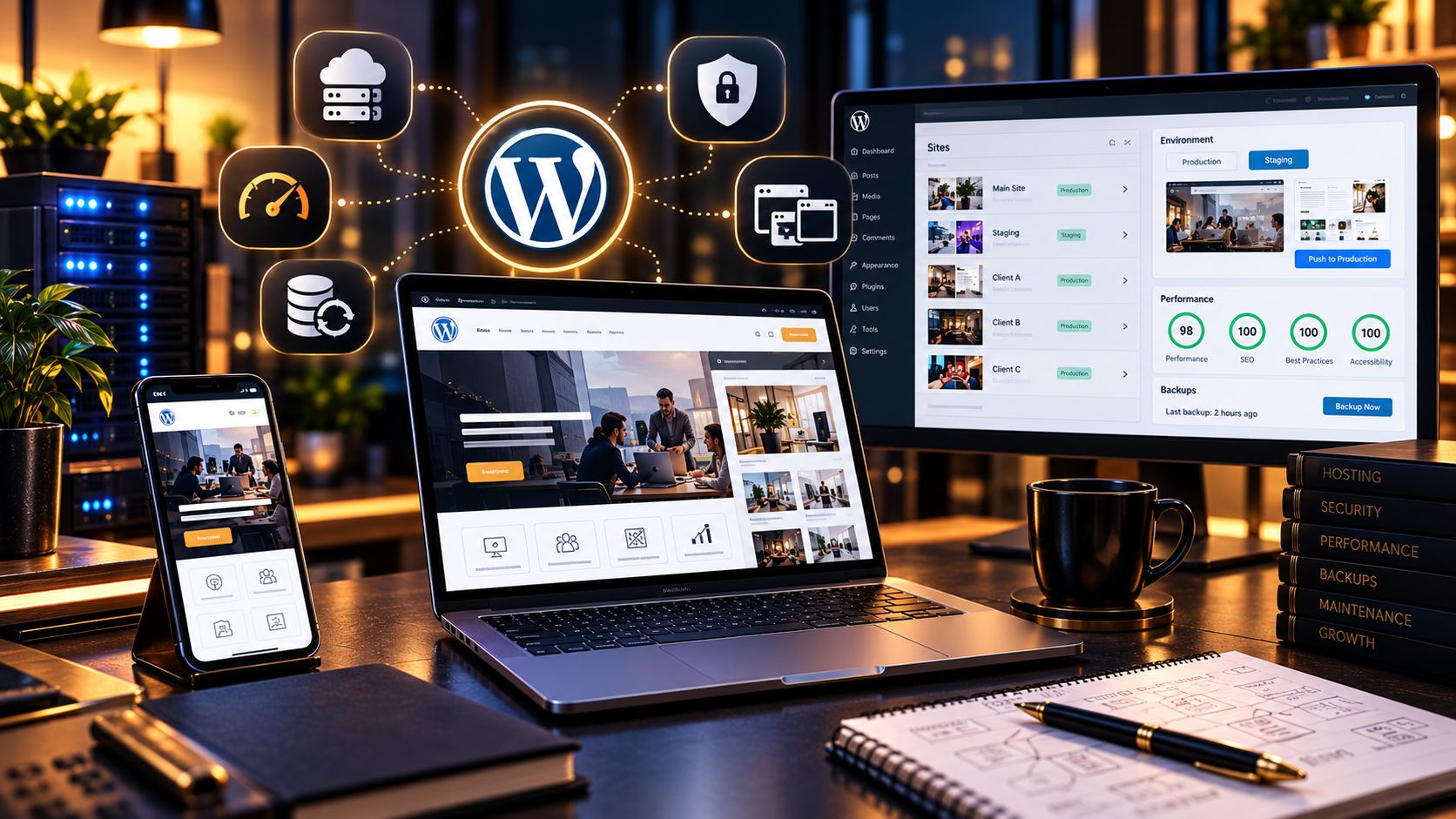
The catch is that “WordPress” covers an enormous range of quality, from a bloated theme stuffed with page-builder plugins to a lean, purpose-configured setup that loads fast and actually converts. Here’s what the good version looks like.
Theme: build for profiles, not blog posts
Most WordPress themes are designed around blog content or generic business pages, and forcing a multi-profile roster into that structure creates ongoing friction. Look for, or have a developer set up, a custom post type specifically for profiles, with its own fields for photos, details, and location, rather than jamming everything into standard pages. This alone solves half the maintenance headaches agencies run into a year after launch.
Plugins: fewer, better, not more
Every plugin is a potential slowdown and a potential security hole. A lean stack usually needs: a caching plugin, an image optimization plugin, a form plugin built for privacy-conscious use cases, and an SEO plugin for meta tags and sitemaps. That’s close to the full list for most agency sites. Page builders can be useful, but they’re also the single most common cause of slow load times we see when auditing existing sites, heavy visual builders generate bloated code that a hand-built theme wouldn’t.
 Hosting matters more here than in most industries
 Hosting matters more here than in most industries
This is where a lot of agencies get burned. Budget hosting marketed specifically at adult businesses sometimes comes with unreliable uptime or shared IP ranges that carry reputational risk from other flagged sites on the same server. A reputable host, even a mainstream one, provided their terms of service permit the category, is usually worth the extra cost. Check the terms of service directly rather than assuming; some mainstream hosts are fine with this content category and some explicitly aren’t.
Security and privacy settings
Enforce HTTPS everywhere, keep WordPress core and plugins updated on a real schedule (not “whenever someone remembers”), and use a form plugin that doesn’t store sensitive submission data longer than necessary. Given the sensitivity of what visitors are submitting through a booking form, this isn’t optional hardening, it’s baseline. If you take deposits online, also check which payment processors work for escort and adult businesses.
Getting profile management right from day one
Set up the custom post type structure properly before adding the first profile, not after twenty profiles already exist in a messier format. Migrating a poorly structured roster later is genuinely painful, we’ve done it more times than we’d like, always for agencies that grew faster than their original site structure could handle. Site structure is the foundation of good escort agency website design.
What this looks like at launch
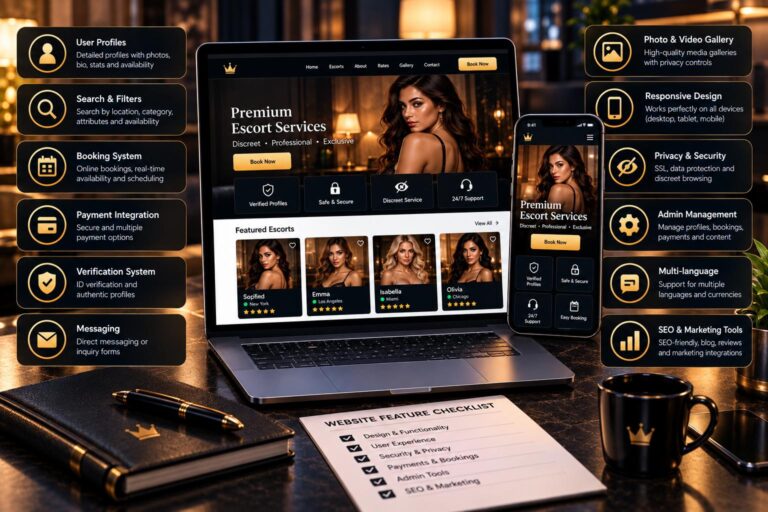
A well-configured WordPress agency site should load in under three seconds, let a non-technical team member add or update a profile without developer help, and pass basic SEO fundamentals, clean URLs, proper headings, a working sitemap, without needing a dozen bolt-on plugins to get there. Use our list of escort agency website features as your launch checklist. If you want it set up for you, see our escort website design services.
Direct Answers
Frequently Asked Questions
Yes, when kept updated and configured properly. The security issues that make headlines almost always trace back to outdated plugins or weak hosting, not a fundamental flaw in WordPress itself.
They’re fine for smaller sites or teams that need to make frequent visual changes without a developer, but they add overhead. For larger, performance-sensitive agency sites, a lighter, more custom-coded theme usually outperforms a heavy page builder.
There is no fixed number, but most agency websites can run efficiently with a small set of well-maintained plugins. Focus on essential functions such as caching, image optimization, SEO, security, and contact forms. Avoid installing multiple plugins that perform the same task, as unnecessary plugins can affect performance and increase maintenance requirements.
Yes. A properly configured WordPress website can include a dedicated profile management system that allows authorized team members to add photos, update profile details, change availability information, and manage locations directly from the dashboard. A structured setup makes routine updates easier without requiring a developer for every change.
Start by choosing reliable hosting, compressing images, using a lightweight theme, enabling page caching, and removing unnecessary plugins. Use a content delivery network (CDN) when appropriate and test important pages with Google PageSpeed Insights. Monitor Core Web Vitals regularly to identify performance issues and prioritize improvements that benefit mobile visitors.
Want expert help with this?
Tell us what you are working on and we will come back with a straight answer, no obligation.